The conversation, mapped as it happens
Oats maps the conversation in the room as it happens: topics as they turn, questions as they're asked, and whether anyone answered.
Notes after the meeting come too late. Oats shows you the conversation while you can still steer it.
- Version 0.2.0 for Apple Silicon
- macOS 12 or later
- Free and open source
- One microphone on the table
Intel Mac? Get the Intel build
Oats is a Mac app. Open this page on a Mac to download it.
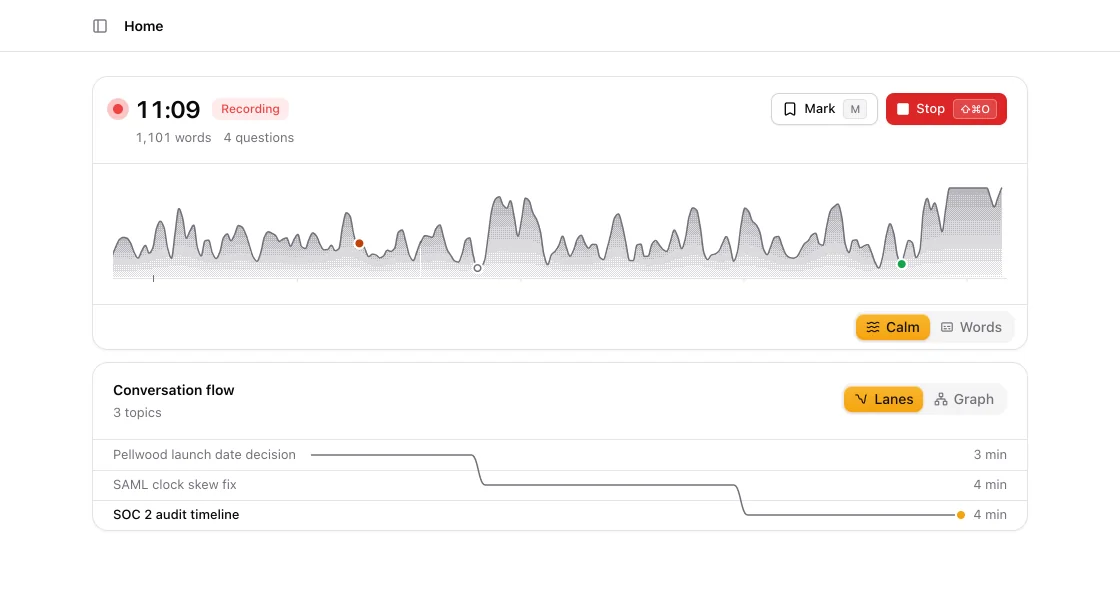
Watch the conversation take shape
Press ⇧⌘O and talk. One line draws the conversation live: a notch where the topic changes, a mark where someone asks.
- Transcribed on your Mac with whisper.cpp, on the GPU
- Press M to mark a moment
Topics name themselves
Each topic gets its name from what was said. When the room comes back to one, the line goes back too.

Every question, caught as it's asked
Each question shows up the moment it's asked, and changes when the room answers it, or doesn't. Ask again before anyone leaves.
- Answered
- Someone gave an answer.
- Unknown
- The room said it did not know.
- Unanswered
- The room moved on.
- Open
- Nobody has replied yet.
Unsure answers, checked on the spot
When an answer sounds unsure, Oats looks it up in your notes and past conversations while people are still talking.
Off by default: choose a folder of notes in Settings. Claude Code can also search GitHub, Linear, Notion and Slack, read only. When it does, the question and the reply go to Anthropic, and the search text to those services.
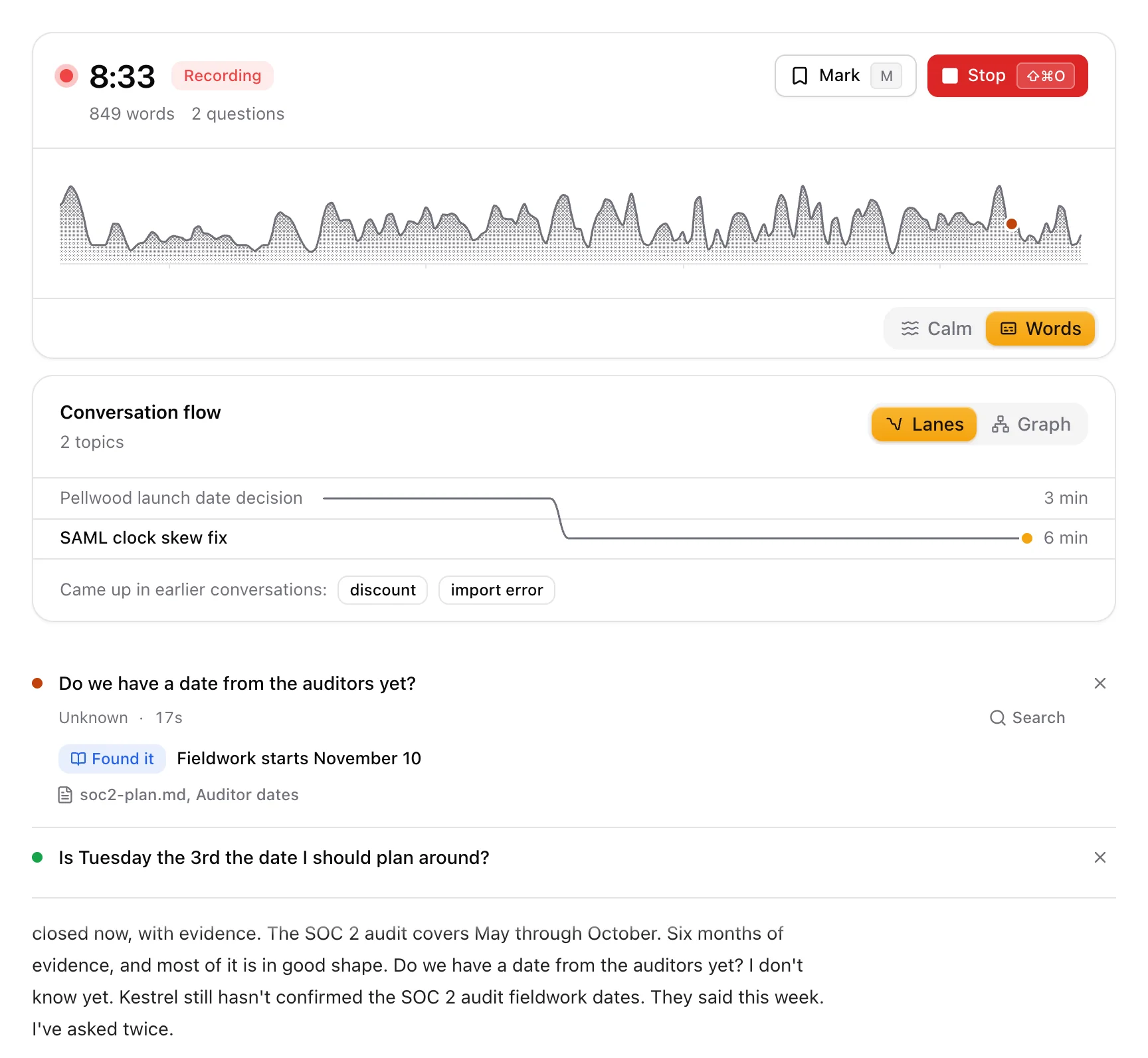
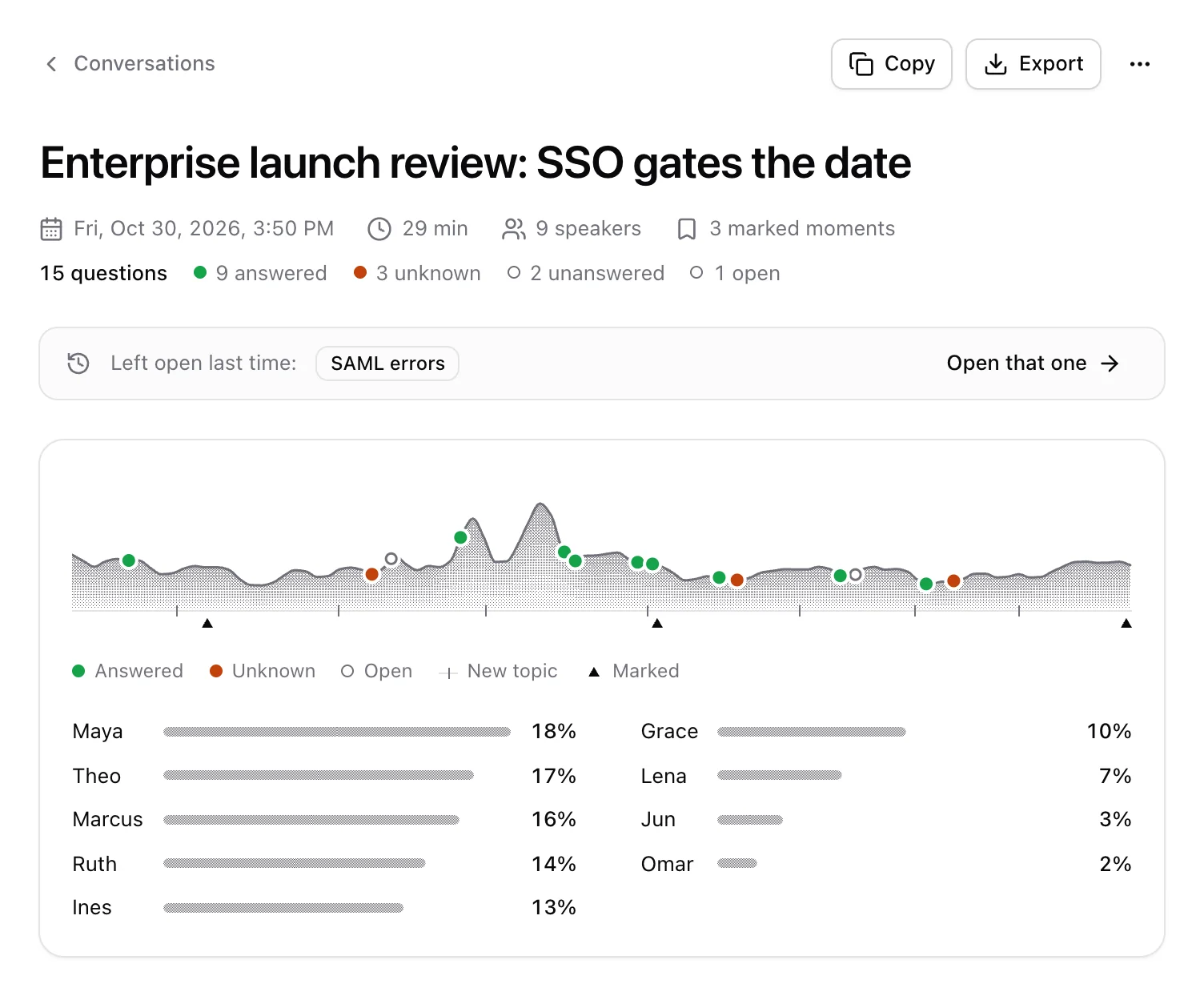
Written up when you stop
Title, summary, talk time for each person, and the transcript with every voice told apart.
Written by a model on your Mac, or with your own API key.
Find anything anyone said
Search every transcript at once, even for part of a word. Chinese and Japanese too.
- Press / to search from anywhere in the app
- Each match shows when in the conversation it was said
See what keeps coming back
Conversations on the same topic link up, so you see it come back across weeks.
Sorted into Work, Personal or your own groups by the model that writes your summaries, from the title, topics and summary, never the transcript.
Privacy you can check
- No account. No Oats server.
- On this Mac, audio and transcripts never leave it.
- With your API key, transcripts go to your provider, and the audio too if it's an OpenAI key.
When a question meets a clear I don't know
, Oats opens a web search for the question text in your
browser. You can turn that off in Settings.
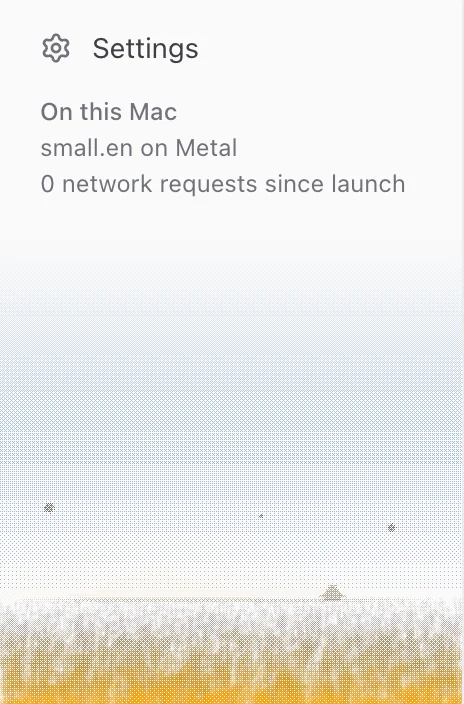
The sidebar counts every request that leaves your Mac, and every destination is listed.
1.2 s
from speech to screen, median, in a live room, with whisper small.en on an M5 Pro
147 ms
to transcribe 5 seconds of audio, with whisper small.en on an M5 Pro
10
languages in the interface
MIT
licence. The whole app is on GitHub
One conversation, start to finish
Get Oats for your Mac
- Version 0.2.0 for Apple Silicon
- About 910 MB, models included
- macOS 12 or later
Intel Mac? Get the Intel build Built for Intel, not yet tested on an Intel Mac.
Oats is a Mac app. Open this page on a Mac to download it.
The first time you open it
This version is not notarized by Apple yet, so macOS stops it once.
- Open the DMG and drag Oats to Applications.
- Open Oats. macOS says it cannot verify the app. Click Done.
- Open System Settings, then Privacy & Security. Scroll down and click Open Anyway next to
Oats was blocked
. - Confirm with your password or Touch ID. macOS asks only once.
In setup, choose where Oats runs: on this Mac, or with your own API key.